AI for Marketing Projects: Give It Context, Not Clicks

When a business owner tells me AI "didn't really work" on a marketing project, I ask how they handed it off. The answer is almost always the same: one page, one ad or one email at a time, with a quick prompt for each.
The tool isn't the problem. The handoff is. AI for marketing projects works best when it can see the whole job before it touches any part of it.
Why piecemeal prompts produce piecemeal work
Picture briefing a designer by showing them one page of your website, waiting for a draft, then showing them the next page. You'd get a pile of decent pages that don't look like they belong together.
AI behaves the same way. When it works through a browser, clicking into one screen at a time, it never sees how the pieces connect. When you give it the actual project files instead, it can read everything at once, understand what depends on what and make changes without breaking something elsewhere. It can also try out new design directions quickly, because it knows the whole structure.
Browser-based AI tools still earn their place. They're great for small, specific jobs like reorganizing a navigation menu. For building something, give it context.
Decide the whole before the parts
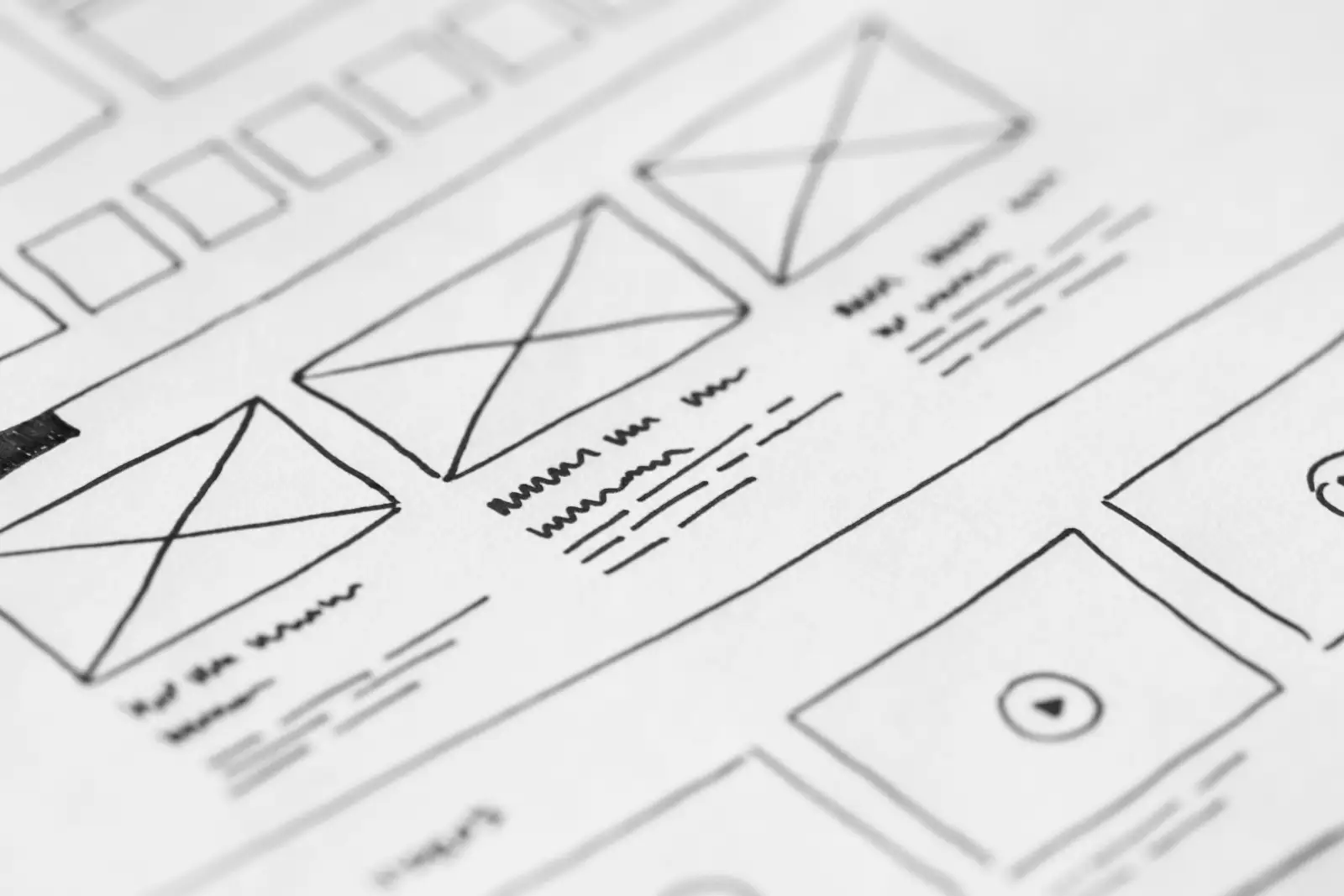
Before AI builds anything, sketch the full scope. For a website, that means rough mockups for as many key pages as you can: home, about, services, contact and whatever else matters to your customers. For a campaign, it means the ads, the landing page and the follow-up emails together.
Hand all of it over in one go and ask for one cohesive system: a design or message that runs across every piece. More pages in the brief give AI better context, and better context gives you consistency.
This is the same discipline I recommend for any AI website redesign: decide what each page is for before you decide what it looks like.
Trim the context to what matters
Full context doesn't mean everything you own. A complete website backup can run to an enormous number of files, most of them software the AI doesn't need to read. That slows it down and buries the parts that matter.
Give it the folder that holds your design and content, not the whole server. For a campaign, give it the brief, the offer and your best past examples, not every report from the last five years. The goal is the complete picture of the job, nothing extra.
Choose your assets before you hand off
One of the most common sources of rework is letting AI pick the photos. It will grab whatever is available, and you'll spend a second round swapping them out.
Do the choosing up front:
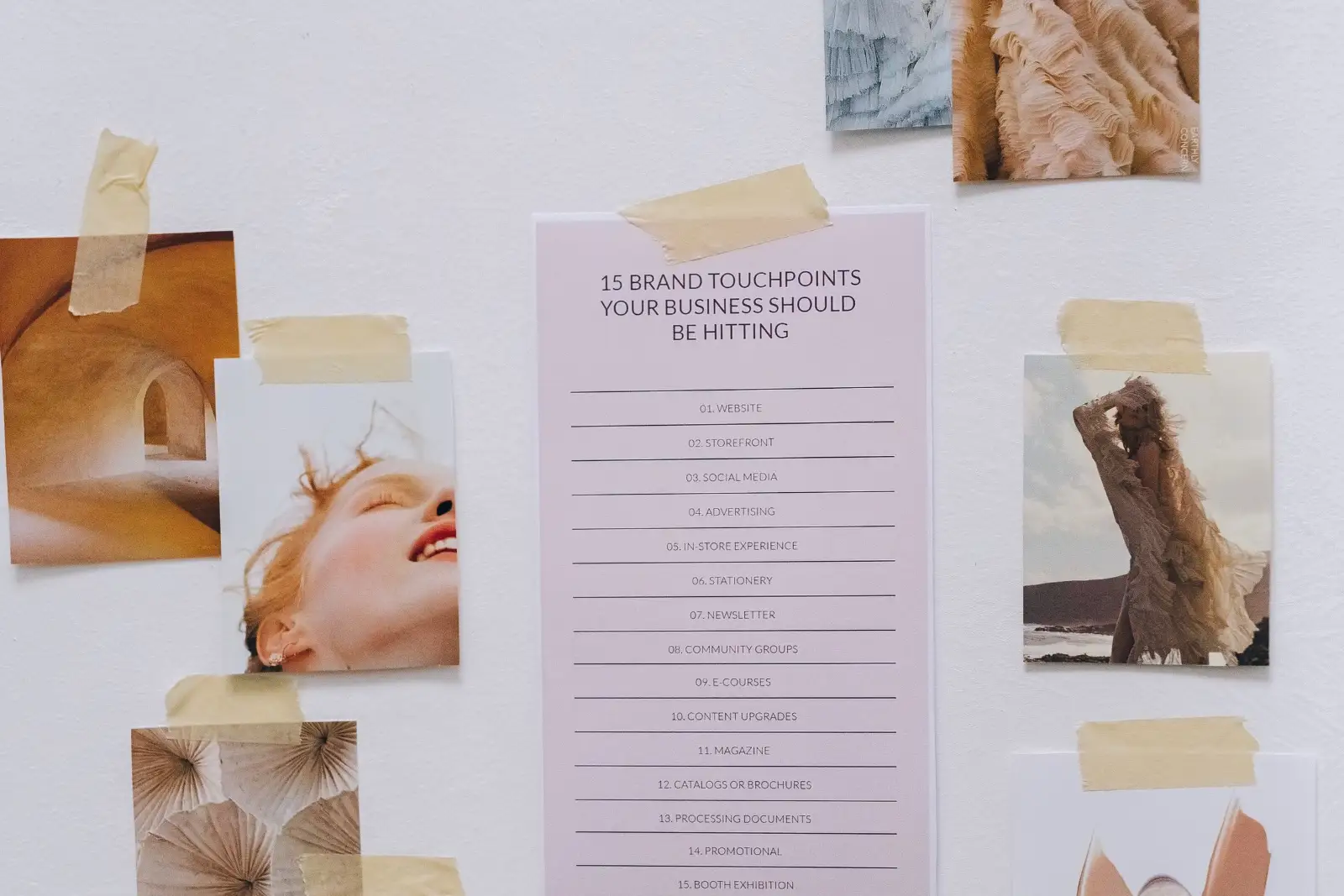
- Photos. Pre-select the images for each page or section and label them.
- Claims and proof. List the results, reviews and facts AI is allowed to use. Nothing else gets invented.
- Brand rules. Colors, fonts, words you use and words you never use.
Five minutes of selection saves an hour of corrections.
Build in steps: structure, then substance
Once AI has the full brief, don't ask for the finished product in one shot. Work in layers:
- Structure first. Have it build the framework: the theme, the layout system, the template for each type of page.
- Real materials next. Swap placeholders for your actual photos and copy.
- One piece at a time. Design a page, implement it, review it, then move to the next.
Each step gives you a checkpoint. Problems surface while they're small.
Keep a person in the loop
AI speeds up the work. It doesn't own the result. Someone who knows the business should review every page, ad or email before it goes live.
The same goes for technical housekeeping that comes up along the way. If your website dashboard flags a software update, test that your plugins work with it and back up first. Moving fast with AI is only an advantage if nothing breaks in the process.

The takeaway
AI for marketing projects rewards preparation. Give it the whole picture, trimmed to what matters. Plan every piece before building any of them. Choose your assets yourself. Build in layers, and review as you go. Do that and AI stops producing generic drafts and starts producing work that fits your business.
If you want help scoping a project so your team and your AI tools are working from the same plan, a marketing strategy workshop is a good place to start. Book a 30-minute fit call and we'll see whether it makes sense to work together.
Questions
Why does AI give generic results on marketing work?
Usually because it only sees one piece at a time. Give it the full picture up front: the goal, the audience, every page or asset in scope, your brand rules and the materials it's allowed to use. Context is what turns generic output into work that fits your business.
Should I use an AI browser extension or give AI my files?
Both have a place. Browser tools are handy for small, specific changes such as updating a menu. For building or redesigning something, giving AI the relevant files lets it read everything at once, understand how the pieces connect and avoid breaking things.
Do I need mockups before using AI to build a website?
It helps a lot. Rough mockups or outlines for the main pages show AI what the whole site should feel like, so it builds one consistent design instead of a set of pages that don't match.
How much of a project should I hand to AI at once?
Give it the full context but have it build in steps: structure first, then real content and photos, then one page or asset at a time, with a review after each step.
Where I can help
Related insights
- AI Website Redesign: How to Rebuild Faster Without Losing SEOAI can cut weeks off a website rebuild. Here's the process I used on my own site, and the human checks that keep your SEO intact.
- AI Agents for Small Business: Start With Your InboxAI agents can now work inside your apps, not just answer questions. Here's how an established service business can put one to work safely, starting with email.
- AI Search Visibility: How to Get Found in ChatGPT, Perplexity and Google AIAI assistants are a new way customers find businesses. Treat them as a channel to measure and build, not a reason to panic or abandon Google.