AI Workflow Automation: Stop Being the Copy-Paste Between Your AI Tools

Here's a pattern I see more and more. A team has adopted AI. They have one tool for planning, another for writing, another for building and maybe a fourth for images. Each one is genuinely useful.
And a person sits in the middle of all of them, copying the output of one into the next, pasting it back, checking, pasting again.
That person is often the owner. The tools got faster. The process didn't. AI workflow automation fixes that by turning the handoffs, not just the individual tasks, into something that runs on its own.
The hidden bottleneck is you
When you use AI tool by tool, every step waits for a human to carry the work forward. You're the project manager, the courier and the quality check, all at once.
That has two costs. First, the work moves only as fast as you can switch windows. Second, you're spending your attention on logistics instead of judgment, which is the part only you can do.
A good test: if you find yourself pasting the same kind of output into the same kind of tool more than a few times a week, that handoff is a candidate for automation.
Different tools, different jobs
I use several AI tools, and I pick based on the job. Some are better at reasoning through a plan. Some are better at writing. Some can take actions on a computer, like a person would. And sometimes the right answer is a tool built for one narrow job, such as design.
So don't fight the multi-tool reality. Organize it:
- Name the roles. Planner, writer, builder, reviewer. Write down which tool fills each one.
- Define the handoff. What does each role receive, and what does it pass on? A brief, a draft, a file, a checklist.
- Keep the context together. Every role works better when it can see the whole project, not just its slice. I made the case for that in giving AI context, not clicks.
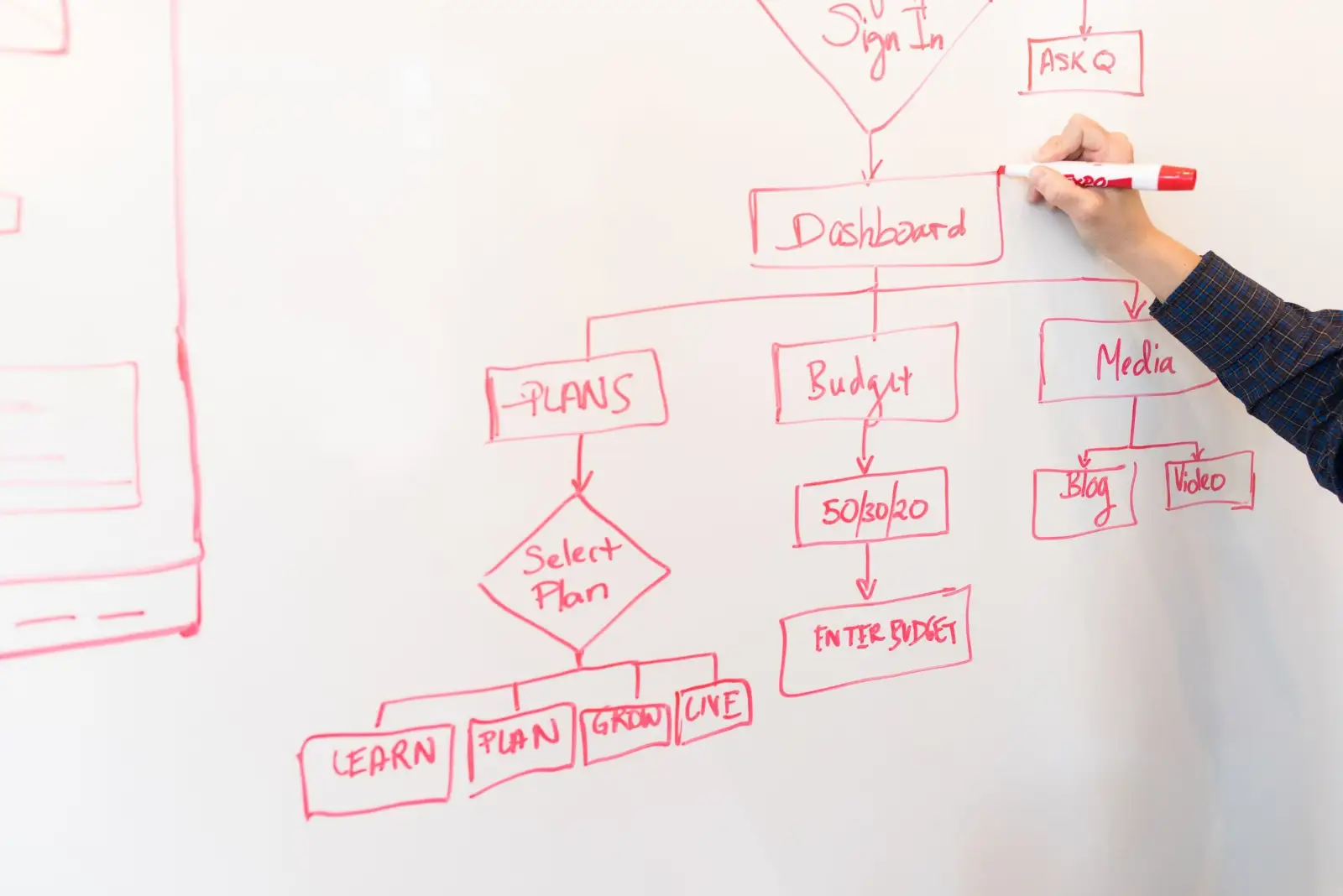
Let one agent run the handoffs
This is the shift that changes the economics. Instead of you moving work between tools, an AI agent does it.
An agent with permission to use your computer or browser can open another AI tool, write the prompt, collect the result and move it to the next step. I run my own workflows this way. I give the instruction once, by text, and the agent coordinates the rest.
If that sounds like a big leap, start smaller. Let the agent handle one handoff, say turning a planning document into a first draft in another tool, and review the result. If you haven't set up an agent before, start with your inbox and build from there.
Give each project its own lane
The more you automate, the more you lean on your tools, and the more you'll run into their limits.
- Separate accounts for big projects. Usage caps are real. A major project sharing an account with everyday work can stall both. A dedicated account or workspace keeps one from starving the other.
- Separate folders and files. Each project should have one home where its brief, assets and outputs live, so every tool and agent works from the same source.
- Know your backup. If one tool hits its limit or goes down after an update, know which tool takes over that role.

Keep the checkpoints human
Automation removes the busywork. It shouldn't remove you from the decisions.
Build in a few checkpoints where a person reviews before work moves on:
- After the plan. Is this what we actually want to build or say?
- Before anything goes public. Every page, email or post a customer will see.
- Before anything irreversible. Payments, deletions, sending to a client list.
Everything between those checkpoints can run on its own. The result is less time pushing work around and more time on the calls that matter.
Where to start
Pick one recurring workflow that already uses AI in two or more steps. A monthly newsletter, a weekly report, a proposal. Then:
- Map the steps and the tool used at each one.
- Mark every point where a person copies, pastes or re-explains something.
- Hand the easiest of those handoffs to an agent, keep a human checkpoint, and run it for a few weeks.
- Once it holds up, automate the next handoff.
The same thinking applies to the rest of your systems. If your customer data is scattered, fix that first. CRM automation only works on clean, connected information.

The takeaway
AI workflow automation isn't about finding one perfect tool. It's about giving each tool a clear role, letting an agent carry work between them and keeping people at the few checkpoints that need judgment. Stop being the copy-paste in the middle. Your time is worth more than that.
If you'd like help mapping your workflows and deciding which handoffs to automate first, that's part of what I do as a growth marketing consultant. When you want someone to own that system week to week, you can hire a fractional CMO. Book a 30-minute fit call and we'll see whether it makes sense to work together.
Questions
What is AI workflow automation?
It's setting up your AI tools so work moves between them without a person copying and pasting every step. One tool or agent hands the output of one step to the next, and people step in at defined checkpoints to review and approve.
Should my business use one AI tool or several?
Most businesses end up using more than one, because tools are stronger at different jobs. That's fine. The goal is to give each tool a clear role and connect them, so your team isn't the glue holding the process together.
Can an AI agent use other AI tools for me?
Some can. An agent with permission to use your computer or browser can open another AI tool, write the prompt, collect the result and pass it on. Keep its permissions limited and review its work until it has proven reliable.
How do I keep AI usage limits from stalling my work?
Heavy users hit caps. Give important projects their own account or workspace so one workload doesn't use up the capacity another one needs, and know which tool you'd switch to if one hits its limit.
Where I can help
Related insights
- AI Agents for Small Business: Start With Your InboxAI agents can now work inside your apps, not just answer questions. Here's how an established service business can put one to work safely, starting with email.
- AI for Marketing Projects: Give It Context, Not ClicksWhen AI output disappoints, the problem is usually the handoff, not the tool. Here's how to set up a marketing project so AI builds something cohesive.
- CRM Automation for Service Businesses: Close the Gaps Before You Buy New ToolsMost service businesses don't need another tool. They need the CRM they already pay for to route, tag and report on every lead. Here's where to start.