Website Maintenance for Small Business: How to Update Without Breaking Your Site

Most business owners only think about their website when it's being rebuilt. In between, it just runs. Until a notice shows up in the dashboard: there's a security issue, please update.
That's when owners ask me the same question. "Do I just click update?"
Usually, yes, you need to update. But clicking it on your live site without a plan is how a working website turns into a broken one in an afternoon. A simple website maintenance routine for small business lets you stay secure without gambling with your leads.
Why a "set it and forget it" site gets risky
Your website isn't one piece of software. It's a stack: the server software it runs on, the platform, a theme and a collection of plugins for forms, booking, chat, analytics and more. Each piece is built by a different team, updated on a different schedule.
Leave that stack alone long enough and two things happen. Known security holes stay open, and the gap between your versions and current versions grows, which makes the eventual update bigger and riskier.
Ignoring updates doesn't avoid the problem. It just postpones it and makes it worse.
Updates protect you, and they break things
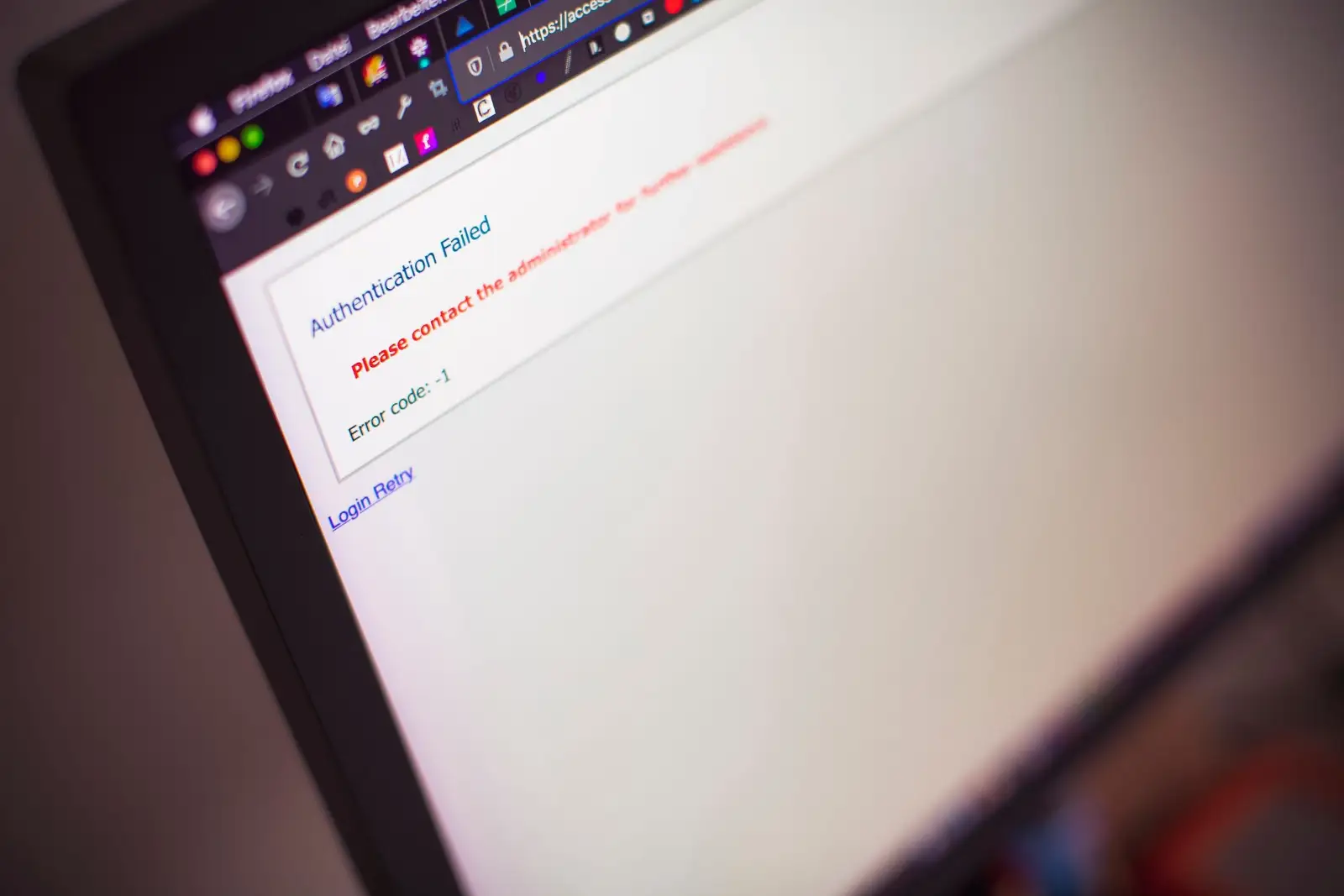
Here's the catch. When the core software your site runs on gets an important update, not every plugin is ready for it. Some don't match. Some stop working. A contact form that quietly fails is worse than one that's obviously broken, because you won't know you're losing leads.
This doesn't only happen on websites. Plenty of the tools you use update themselves overnight. I've watched an AI tool that worked fine one evening fail the next morning after an automatic update, with no change on the user's end.
The lesson is the same: updates are necessary, and every update is a change you need to check.
Back up before you touch anything
Before any update, take a full backup of your site: files and database. Then confirm two things:
- The backup actually finished. A failed backup you didn't notice is no backup.
- You know how to restore it. Ideally you've done it once, on a test copy, so you aren't learning under pressure.
A good backup turns a bad update from a crisis into an inconvenience.
Test on a staging copy first
A staging site is a private copy of your website where you can try changes without customers seeing them. Run the update there first.
Keep that staging copy hidden from search engines so it never competes with your real site. That's the same rule I follow during any AI website redesign: build and test in private, then launch on purpose.
Check plugins and integrations one by one
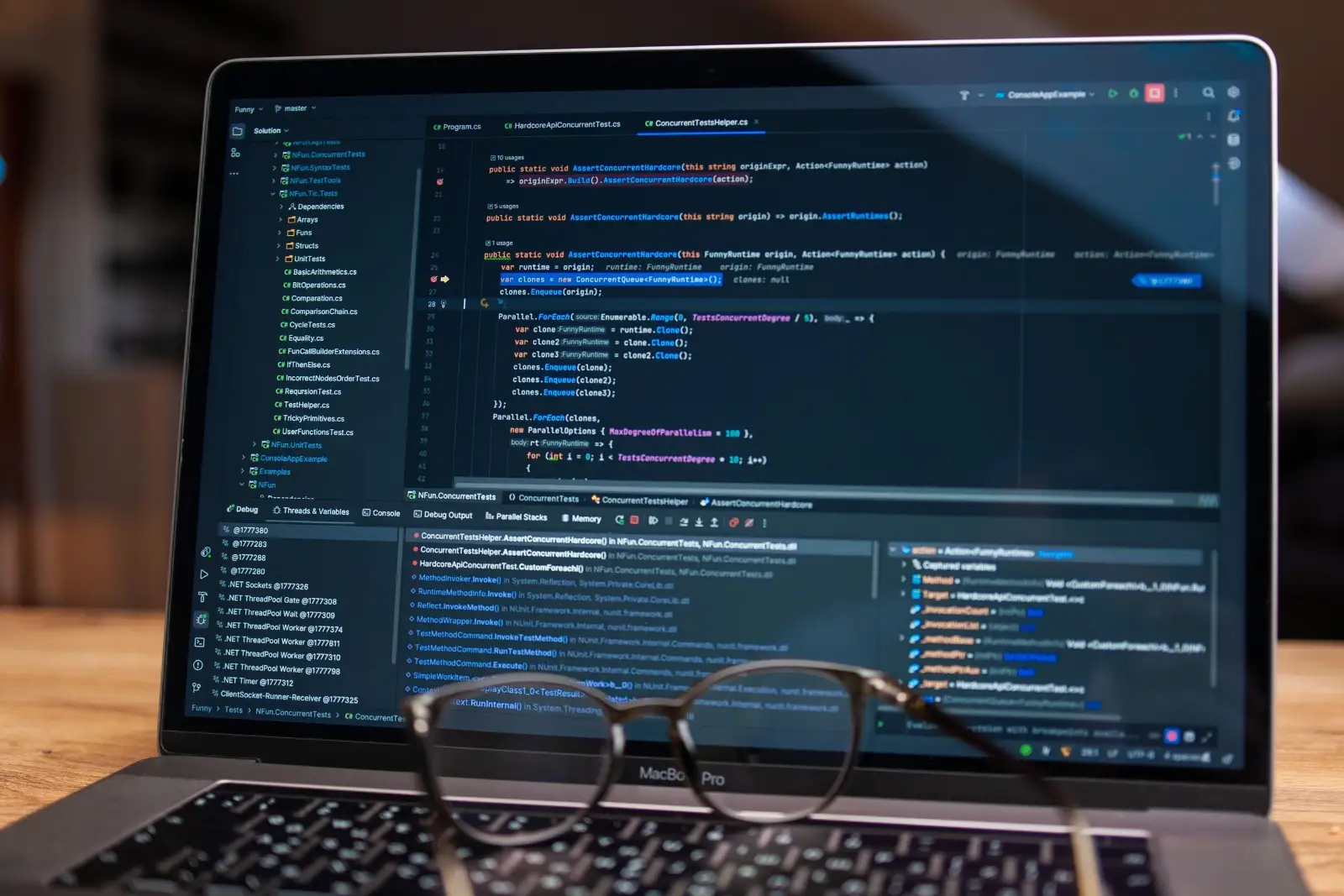
Before you update the core software, check each plugin:
- Look up compatibility. Most plugin pages say which versions they support. Anything that hasn't been updated in a long time is a red flag.
- Update plugins first, then the core. Test after each meaningful step so you know what caused a problem.
- Replace what's abandoned. If a plugin is no longer maintained, plan to swap it out rather than holding your whole site back for it.
Then test the things that make you money: contact and quote forms, booking tools, click-to-call links, chat, checkout and tracking. Submit a real test inquiry and confirm it lands in the right inbox and your CRM. If leads are your lifeline, a silent form failure undoes everything you've done to respond fast.
Give it an owner and a schedule
Website maintenance fails when it's everyone's job, which means no one's. Fix that:
- Name an owner. An internal person or an outside partner who's responsible for updates, backups and checks.
- Set a schedule. A monthly maintenance window for routine updates, plus a fast track for security fixes.
- Keep a simple log. What was updated, when, by whom and what was tested.
- Review it quarterly. Speed, security warnings, broken links and whether your site still shows up well in search and AI answers. A slow, error-prone site hurts your AI search visibility as well as your rankings.
The takeaway
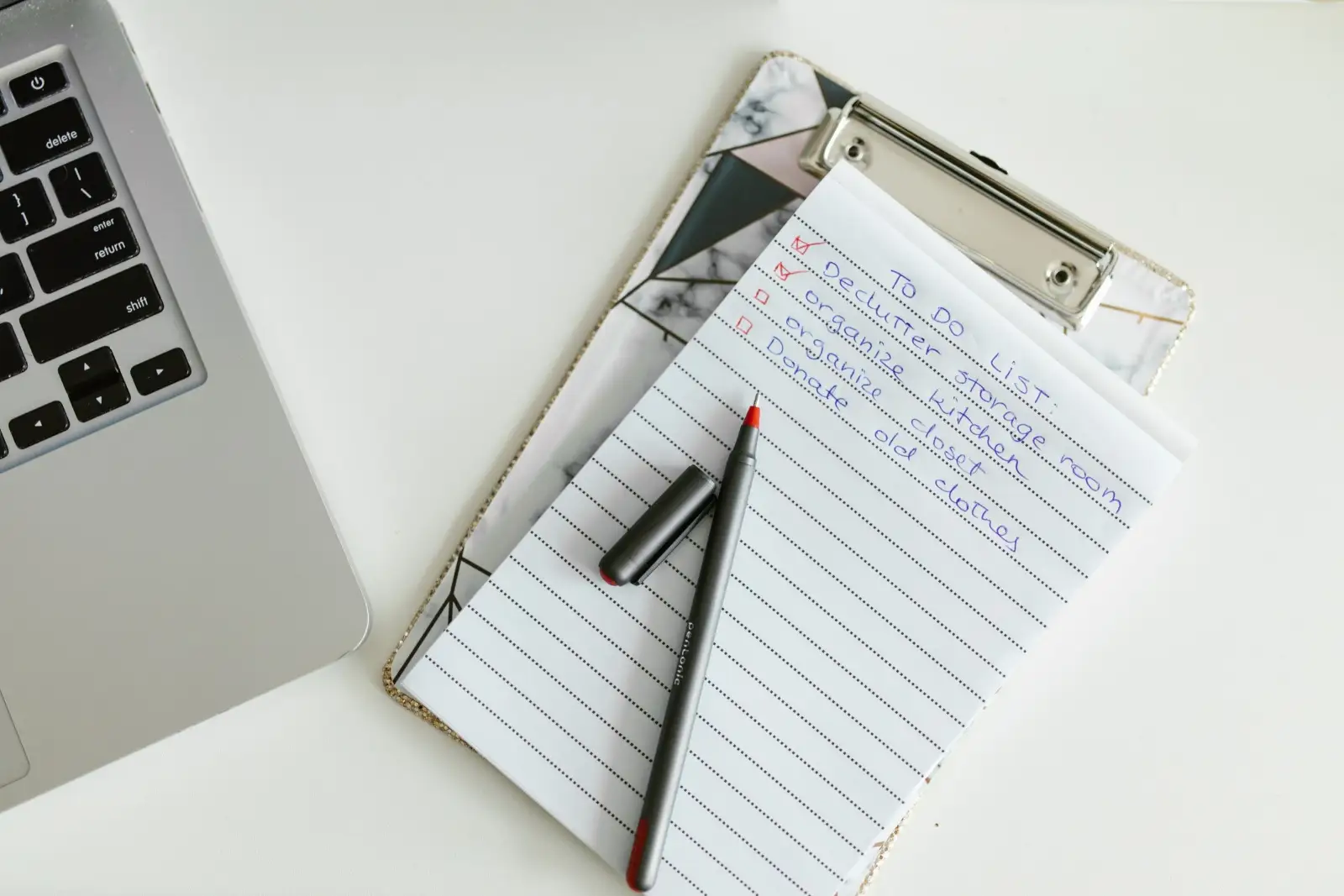
Website maintenance for small business comes down to one habit: never let your live site be the first place a change gets tested. Back up, stage, check each plugin, test what earns you leads, and give someone clear ownership. It's not glamorous work. It's what keeps your best marketing asset open for business.
If you're not sure what shape your website is in, a marketing audit is a good place to find out. For ongoing ownership of the site and the plan behind it, see my fractional CMO services. Book a 30-minute fit call and we'll see whether it makes sense to work together.
Questions
How often should a small business update its website?
Check for updates at least monthly, and act quickly on anything flagged as a security fix. Bundle routine updates into a regular maintenance window so they're tested together instead of applied one at a time whenever a notice pops up.
Can a software update break my website?
Yes. Updating the core software your site runs on can leave older plugins or themes incompatible, which can break pages, forms or checkout. That's why you back up first, test on a staging copy and check each plugin before updating the live site.
What is a staging site?
A staging site is a private copy of your website where you can test updates and changes without affecting what customers see. Keep it hidden from search engines, and only move changes to the live site once they work there.
What should I check after a website update?
Test the pages and features that make you money: contact and quote forms, booking tools, phone links, chat, checkout and tracking. Submit a test lead and make sure it reaches the right inbox and your CRM.
Where I can help
Related insights
- AI Website Redesign: How to Rebuild Faster Without Losing SEOAI can cut weeks off a website rebuild. Here's the process I used on my own site, and the human checks that keep your SEO intact.
- AI Search Visibility: How to Get Found in ChatGPT, Perplexity and Google AIAI assistants are a new way customers find businesses. Treat them as a channel to measure and build, not a reason to panic or abandon Google.
- How to Avoid Marketing Agency Lock-In and Own Your DataYour customer list, ad history and website should belong to your business, not your agency. Here's how to avoid marketing agency lock-in before you need to.